A lot of digital subscriptions vie for your money. Everything from streaming services and desktop software to smart cameras and fitness bands come with subscriptions attached, which you usually need to pay in order to get access to the best features–or even to get at the app, site, or service at all.
For many of us, Netflix feels almost as essential as water and electricity at times. But is it? A Netflix subscription can be as high as $25 a month these days, which is a substantial amount of money to be parting with 12 times a year.
Maybe you’ve had your fill of everything Netflix has to offer, or you want to save some money, or both. Canceling is actually very straightforward, and you can always return to Netflix any time you like.
I decided to take a break from Netflix for a while—at least until the final season of Stranger Things arrives—and this is the process you need to go through. I’ll also explain what happens after you cancel, and how you can jump back in.
How do I cancel Netflix?
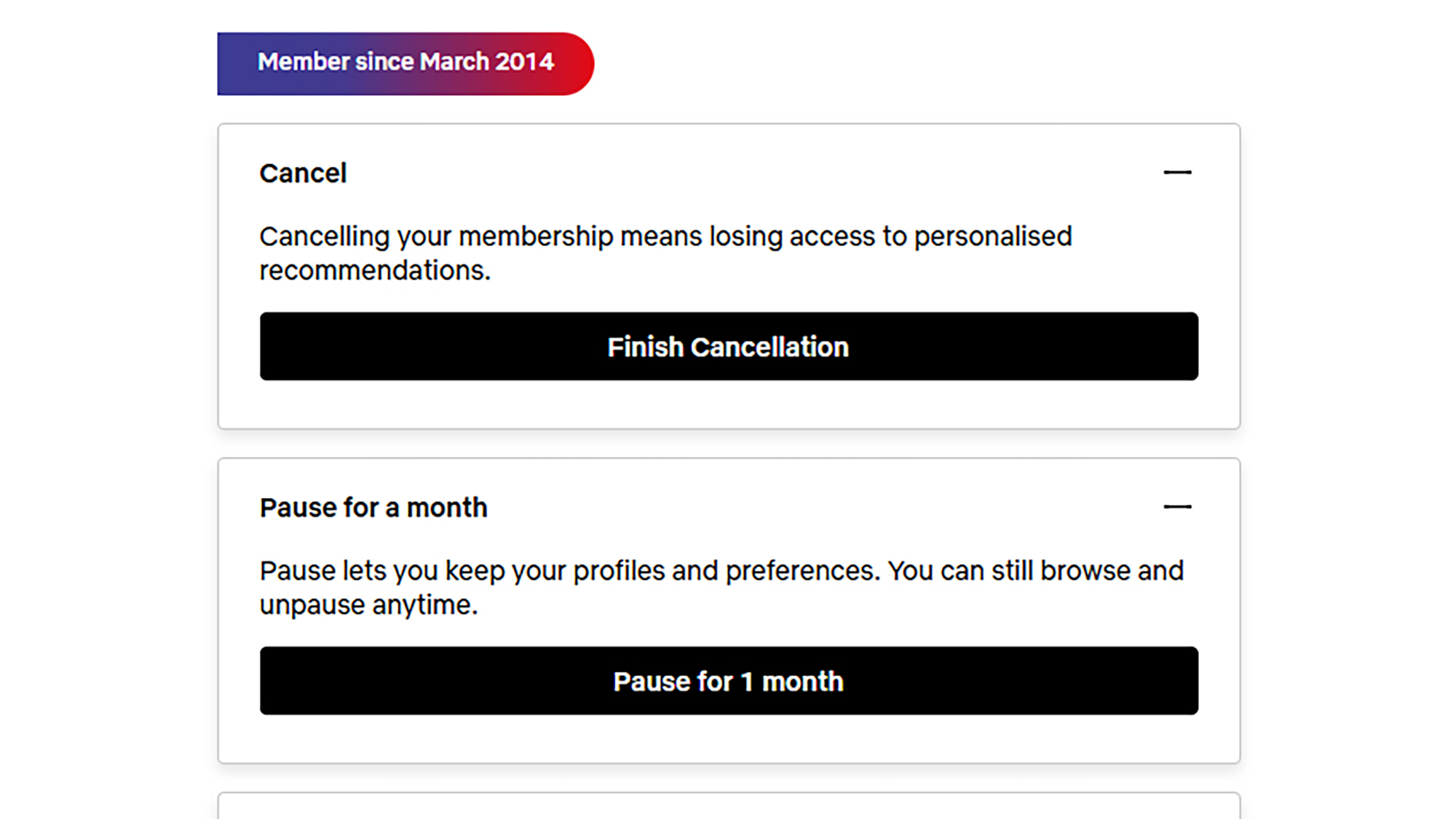
Netflix has a history of regularly raising prices, but in the interests of balance, it also makes it very straightforward for you to cancel, if you want to. You can do it in a web browser:
- Hover over your account picture (top right).
- Click Account and Manage membership.
- Click Cancel membership.
- To confirm, click Cancel and Finish cancellation.
You’ll be asked to give a reason why you’re canceling, but you don’t have to. Canceling is also something you can do through the Netflix apps for Android or iOS:
- Tap My Netflix (lower right).
- Tap the menu button (top right).
- Choose Account.
- Select Cancel membership.
- Tap Finish cancellation to confirm.
You might also see the option to pause your membership as you work through these steps. You can only do this for up to three months, and it’s not available on the cheapest basic plan, but it lets you skip a monthly payment while keeping your account intact. Netflix is blocked for that month, and after that you continue as normal.
What happens next?
You can continue to use Netflix for the rest of the current billing period, if you’ve got any of the month left. Perhaps the perfect time to finish off those series that you’re still part way through. You can check how much time you’ve got left to access Netflix via your account page on the web or on mobile.
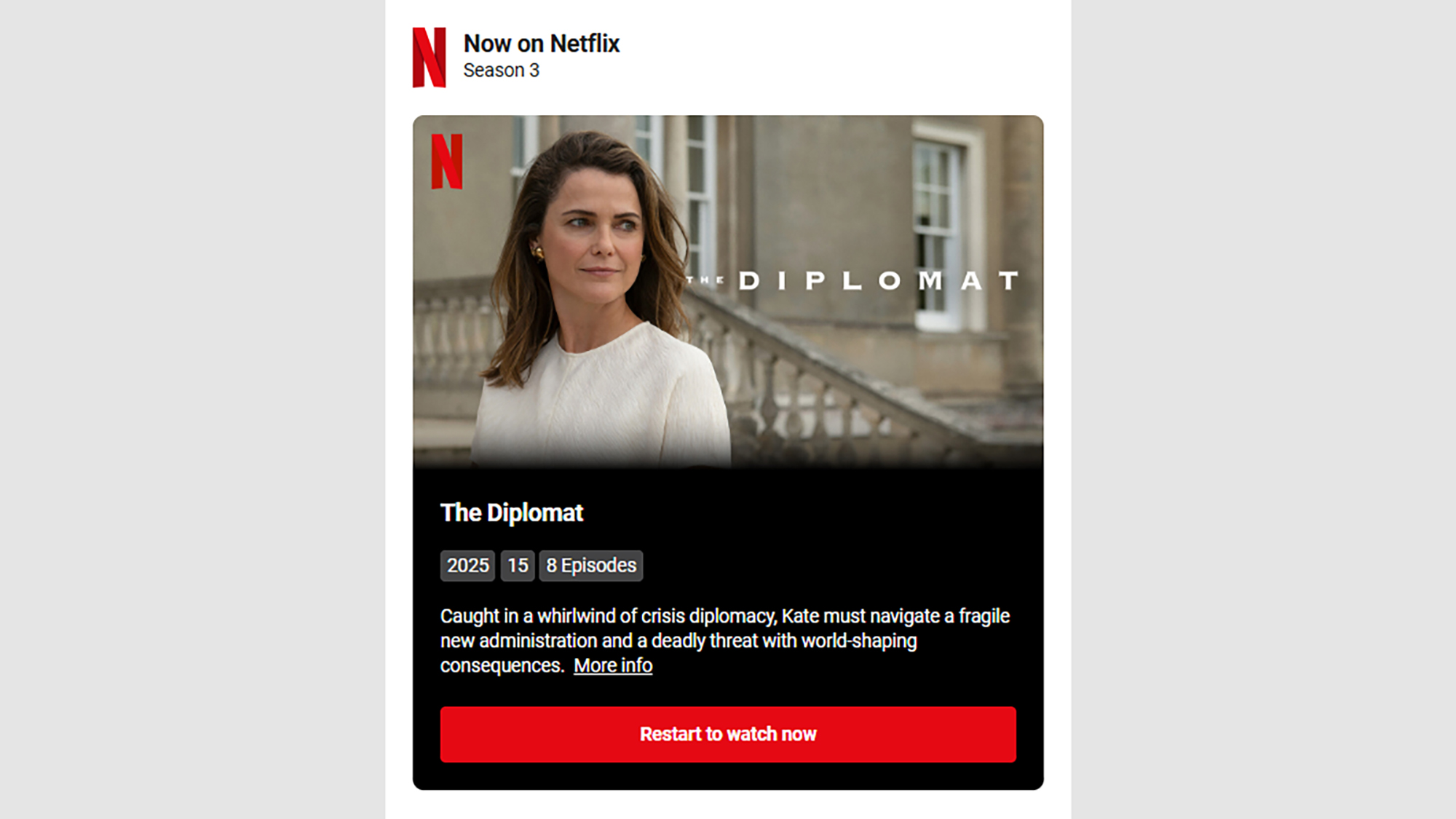
Since I canceled my Netflix plan, I’ve been getting fairly regular emails from Netflix. They tell you about new shows and movies on the platform, any special deals that are available on new subscriptions, and in particular about new seasons of shows I’ve watched before. One was entitled “3 great reasons to come back” and they’re all obviously designed to get you to resubscribe—which you can do with one button click.
To be honest, I’ve not missed it much for the last few months—though obviously your mileage may vary. The other streaming subscriptions that I’m signed up for too, plus free and ad-supported content, have been more than enough to keep me going. I’ve even made it out to an actual movie theater a couple of times. I actually wasn’t as reliant on Netflix as I thought I was.
What happens to my history and recommendations?
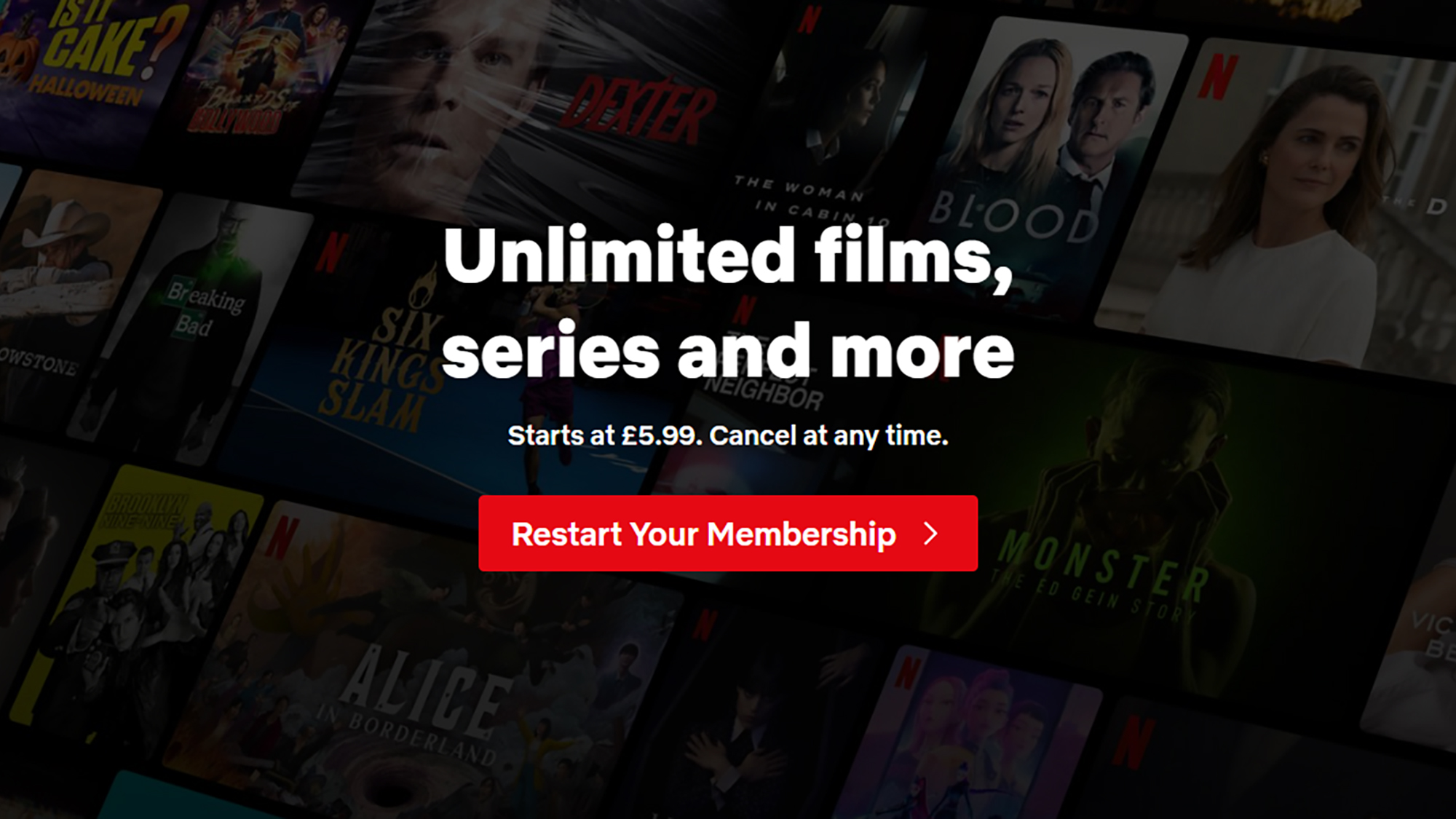
Netflix is of course very keen to encourage users who’ve stopped subscribing to jump back in—and it’s very easy to do. You’ll actually still be able to sign in using your old credentials, but all you’ll get is a button that lets you restart your membership again, whether that’s on the same plan as before or a different one.
You don’t have to rush to get back into Netflix: Your viewing activity, ratings, recommendations, account details, gameplay history and game saves are kept around for 24 months (at the time of writing). As long as you restart your subscription within a couple of years, you’ll still be able to carry on from exactly where you left off.
I’ll definitely resubscribe to Netflix at some point—I’ve already heard about a few new shows and movies that I want to see, and I need to know how Stranger Things finally ends—but I’m glad I’ve taken a step away for a few months. It means I’ve had a bit more spare money to spend, and spent a bit less time sitting in front of a screen.